
Jobs that show where they are without anyone asking
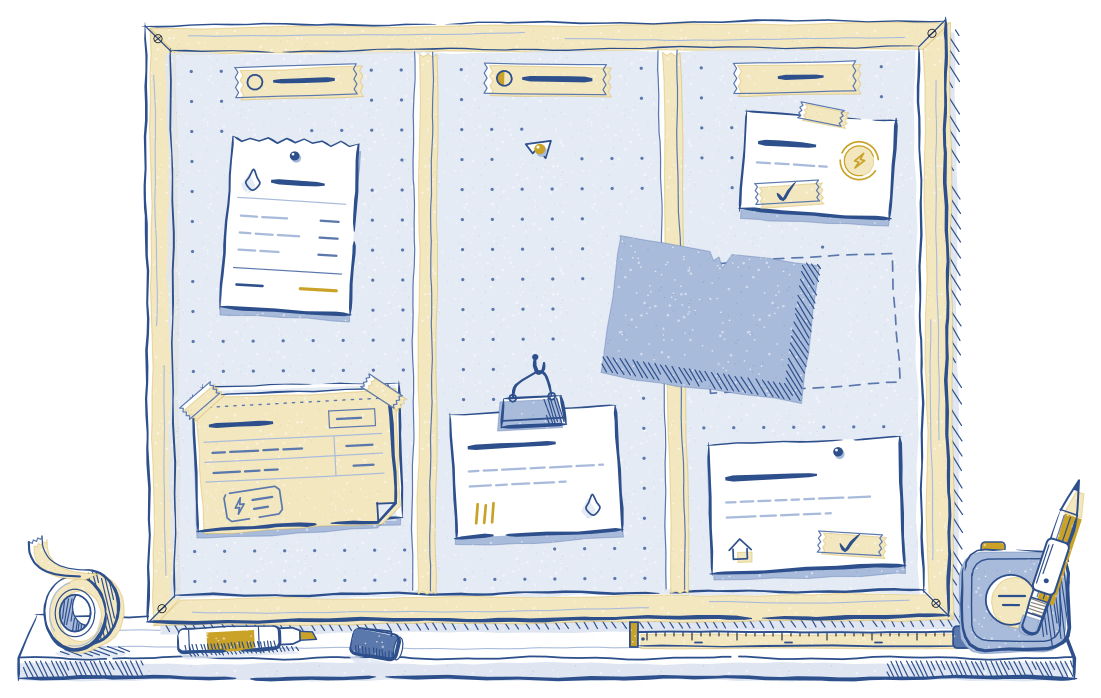
Every job has a stage and a named person in the system. You can see where any job has got to without walking over to ask.
-
Artwork check
-
#1042 Northfield Workwear
-
-
Assigned
-
#1044 Harbour Road Joinery
-
-
On the machine
-
#1039 Deeside Cycle Club
-
-
Ready
-
#1036 Northfield Workwear
-
What it does.
-
Your job stages
Each job moves through the stages your business uses, in your order.
-
Artwork checked first
Where artwork matters, it is verified before the job goes into production.
-
Work assigned to named staff
Each job has a person against it, so everyone knows whose it is.
-
Live status
The stage is current, so the office and the owner see what the floor sees.
Who uses it.
-
Whoever runs production
Assigns each job to a named person and sees what is still waiting.
-
Staff doing the work
See which jobs are theirs, with the details on the job.
-
The office
Answers a customer asking about their order from the live status, without leaving the desk.
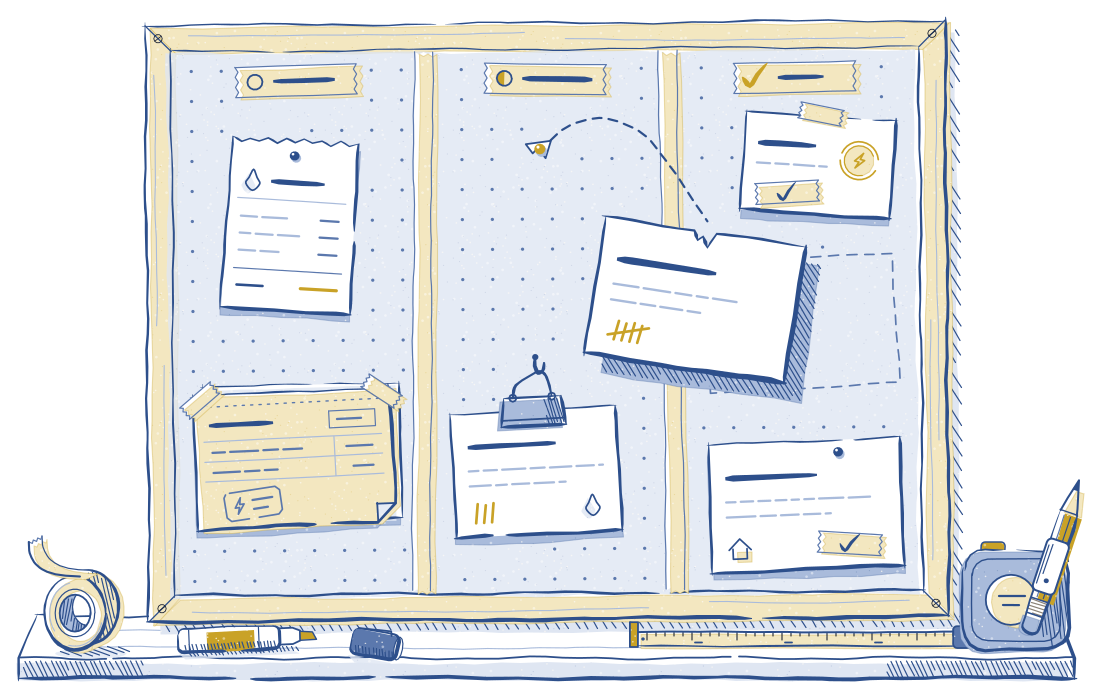
Call it a job, a works order or a docket.
The system uses your word.
- Set the stages you work through, such as artwork check and on the machine.
- For an Aberdeen embroidery company, jobs are assigned to embroiderers and artwork is verified first.
How it connects.
- Orders The order becomes the job, with its details already on it.
- Finance and invoicing The job becomes the invoice, raised from the same order.
-
Collection / handover A finished job is tracked as ready for collection, then as collected.
In more detail.
Where jobs usually get lost
On paper, the job sheet usually travels with the work. To know where a job has got to, somebody has to find the sheet or the person holding it. Nothing flags a late job unless someone looks.
One record from order to collection
In BruceHQ the job comes from the order, so the details are already there. It moves through your stages with a named person against it. Then the invoice is raised from the same order and the goods are tracked to collection. The dashboard shows what is open and late.
Is BruceHQ job management software?
It covers job management as part of one business operating system. Each job has stages, a named person and a live status. It comes from the order, so nothing is typed twice.
Can it replace our paper job sheets?
Yes. What sits on the job sheet today moves onto the job in the system, with your own stages and fields. We look at your current job sheet when we map your workflow.
Industries that use it Manufacturing and production Embroidery, print and workwear Trades and construction Coming next
Show us how you work.
A free 30-minute call to map your current process.
After the call
- Map With the people doing the work
- Shape BruceHQ configured to match
- Launch Live, with support alongside